
Claude Tag AI-Powered Slack Integration for Teams
Learn how Claude Tag brings Claude AI directly into Slack. Discover setup, permissions, spend management, and privacy features for teams and enterprises.
Claude Tag AI-Powered Slack Integration for Teams
What Is Claude Tag
Claude Tag is a new way to bring AI assistance directly into Slack. Tag @Claude into any conversation and it takes on real work using your organization's tools and remembering context from your channels.
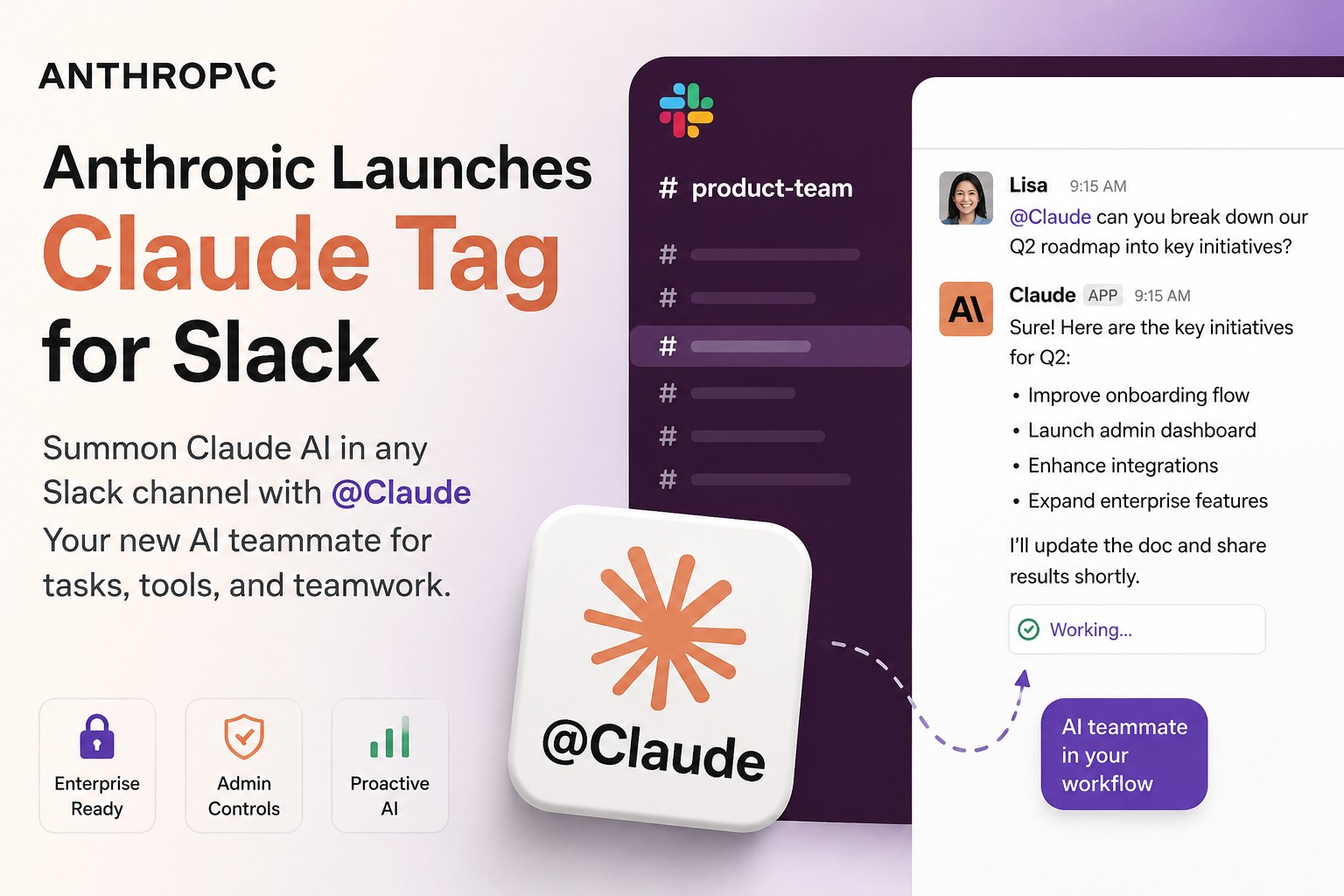
Unlike previous Claude in Slack integrations, Claude Tag operates as its own identity within your organization. It remembers context across days, schedules its own follow ups, and checks in proactively when needed.
Available on Team and Enterprise plans in beta, Claude Tag will replace the current Claude in Slack experience on August 3, 2026.
Three Ways to Use Claude Tag
Claude Tag gives teams multiple ways to work with AI depending on their needs.
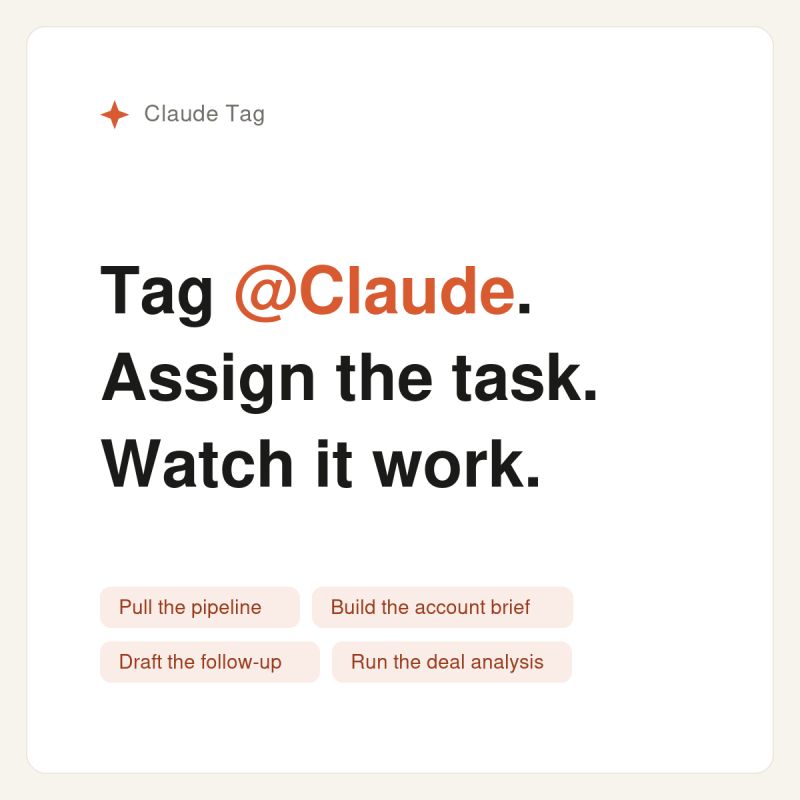
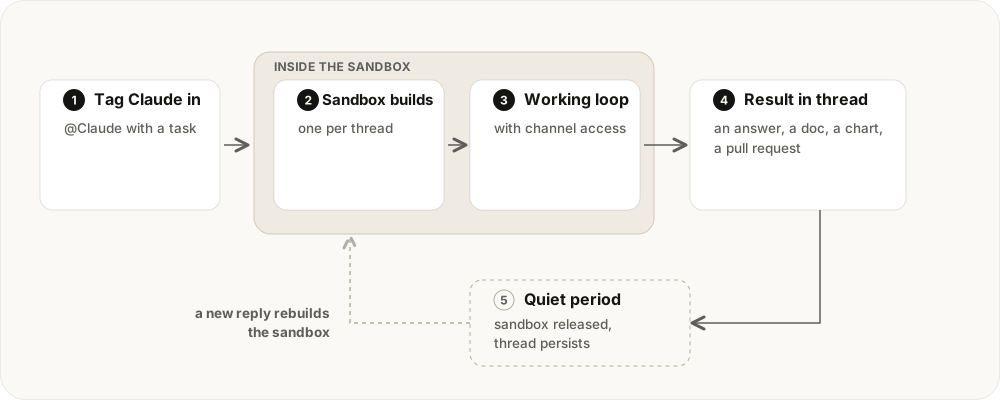
Channel Tagging: Tag @Claude in any channel to assign it a task. Everyone sees the work in progress and can steer or continue where it left off. Claude can also check in on its own, like posting when work finishes.
Direct Messages: Start a private conversation with @Claude for work that doesn't need channel visibility. You'll have access to capabilities enabled in your personal Claude account like web search and connected tools.
AI Assistant Panel: Click the Claude icon in Slack's assistant header to open a panel on the right side. Access Claude from anywhere in Slack without leaving your current view.
Setup Process
Your organization's Primary Owner or Owner sets up Claude Tag. Team members don't need to do anything individually once it's configured.
Setup involves three steps: provision Claude's identity, connect your organization's tools and repositories, and choose which channels Claude can operate in.
Only a Primary Owner or Owner can set up Claude Tag. The Admin role cannot configure it.
Access Control
Control who can use Claude Tag through three member access modes in your organization settings.
Open to anyone: All workspace members can use Claude Tag.
Open to your Claude organization: Only members with Claude organization access can use it.
Role-based (Enterprise only): Grant the "Claude in Slack" capability to specific roles for maximum control.
These settings apply to both channel mentions and direct messages.
Permissions and Access
Claude Tag can access different tools and repositories at three levels.
Organization wide: Credentials and repositories available everywhere Claude Tag is installed.
Workspace: Access for all public channels in a Slack workspace. Inherits organization permissions.
Private channel: Extra credentials or repositories for specific private channels. Use this to keep sensitive tool access separate from other teams.
For example, a legal team's channel can have different tool access than an engineering channel.
Memory and Auditing
Claude Tag keeps context per channel and workspace to do its work. Admins can view, edit, and delete this memory anytime.
An Audit view in Organization settings shows every task and network call across your organization. Each action is traceable in the original tool. Posts come from the Claude app in Slack. Commits show the Claude GitHub App as author with a link back to the original Slack thread.
Ask Claude "What triggers do you have set up here?" in any channel to see standing work or turn off recurring tasks.
Privacy and Data
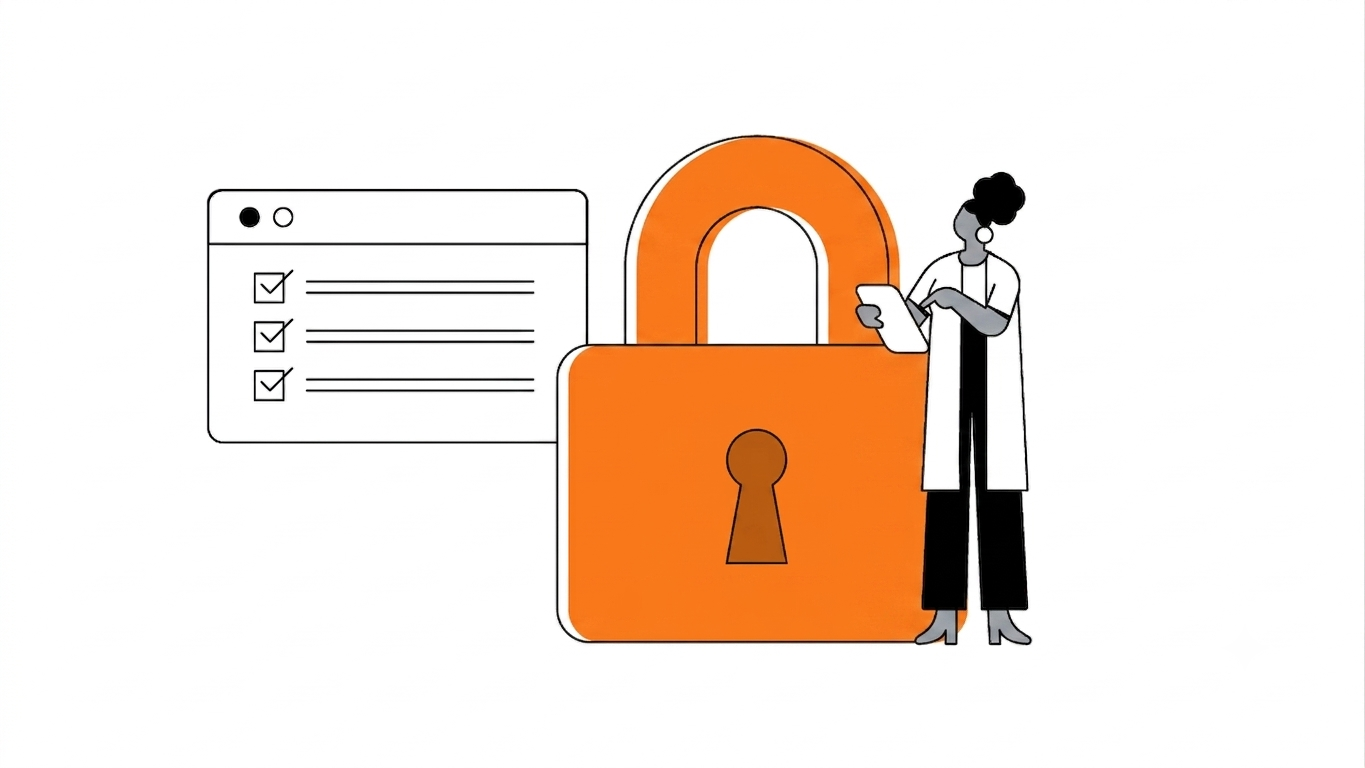
Your Slack conversations with Claude are completely separate from your Claude.ai history. Conversations in Slack are not visible in Claude.ai and vice versa.
Conversations automatically delete from Claude within 30 days if you disconnect the integration. Your Slack retention policies apply to conversations in Slack.
Claude Tag memory is retained to do its work. This memory respects channel boundaries and admins can delete it anytime.
Channel work is attributed to your organization's Claude identity. Direct message work runs on your personal account.
Use Cases
Customer Success: Analyze requests, draft responses, and track issues with Claude in customer channels.
Engineering: Use Claude to review code, summarize PRs, and provide guidance in project channels.
Content: Get assistance with brainstorming, editing, and publishing workflows visible to the team.
Legal: Keep sensitive work in private channels with access restricted to required documents and systems.
FAQs
Q: How is Claude Tag different from previous Claude in Slack?
A: Claude Tag is the next generation. It remembers context across days, schedules follow ups, checks in proactively, and operates under your organization's identity.
Q: Who pays for Claude Tag?
A: Your organization pays for channel work. Direct messages are billed to the individual's Claude account.
Q: Can I restrict Claude Tag to specific channels?
A: Yes. During setup you choose which channels Claude can operate in.
Q: What happens if Claude exceeds spending limits?
A: Work is declined immediately. Users get a message and can request more budget from an admin.
Q: Can I see what Claude Tag is doing?
A: Yes. The Audit view shows all tasks and network calls. Each action is traceable in the original tool.
Q: Is my data private?
A: Yes. Slack conversations are separate from Claude.ai. Conversations auto delete after 30 days if you disconnect.
You may also like

What Is TypeSafe AI?
Discover Jev, TypeSafe AI’s System One Model for fast, type-safe, calibrated AI decisions built for software automation.

What Is Paperclip and How Does It Help You Manage AI Agent Teams?
Learn what Paperclip is, how it manages AI agent teams, controls costs, enables human approvals, and coordinates agents across different AI runtimes.

How Do You Actually Teach Engineering Judgment?
Learn how STEMLink teaches engineering judgment through a four-step approach: learn, build, test limitations, and understand why real-world systems need more.