
Building Assistive Healthcare Apps with GPT-4o's Voice and Vision
Explore how GPT-4o's voice and vision capabilities are revolutionizing assistive healthcare apps. Discover the essential steps to create impactful tools that enhance patient communication and diagnostic precision, paving the way for improved accessibility in the healthcare system.
Building Assistive Healthcare Apps with GPT-4o's Voice and Vision
In the ever-evolving landscape of technology, GPT-4o stands out as a groundbreaking platform for building AI-powered assistive healthcare tools. By integrating voice and vision capabilities, developers can create AI-driven healthcare applications for accessibility that transform patient care and improve quality of life. This blog post explores how you can leverage GPT-4o's capabilities to develop impactful assistive healthcare apps.
The Power of GPT-4o in Healthcare
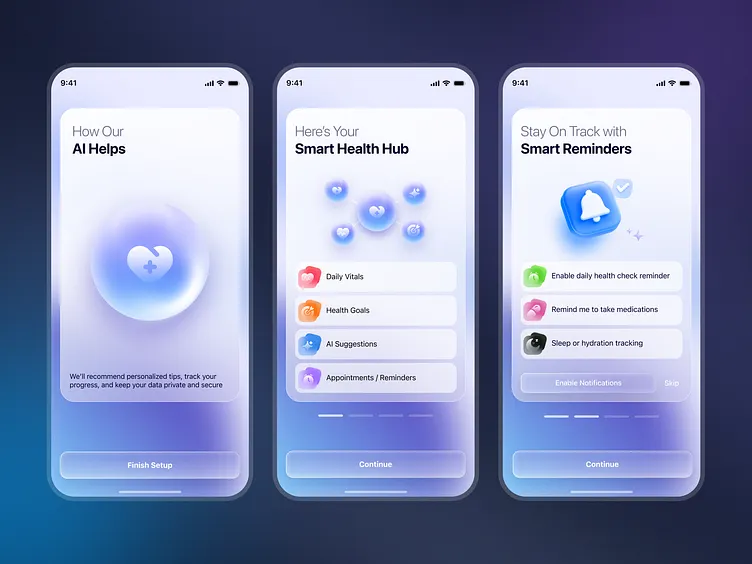
GPT-4o is an advanced AI model developed by OpenAI, offering cutting-edge features for building assistive applications. Its multimodal abilities, which integrate both voice and vision functions, are particularly well-suited for the healthcare sector. These capabilities make it possible to create GPT-4o applications for healthcare accessibility that assist patients with diverse needs.
Voice Integration: Bridging Communication Gaps
Voice technology, powered by AI, can provide significant advantages in healthcare settings. GPT-4o voice and vision integration in healthcare enables developers to incorporate natural language processing into their apps. This allows patients to communicate symptoms or needs hands-free, offering a level of convenience and accessibility previously unattainable.
For instance, consider a scenario where a patient with mobility issues requires assistance. An app that uses GPT-4o's voice capabilities can allow the patient to request help or schedule appointments simply by speaking, reducing the stress and barriers they face daily.
Vision Capabilities - Enhancing Diagnostic Precision
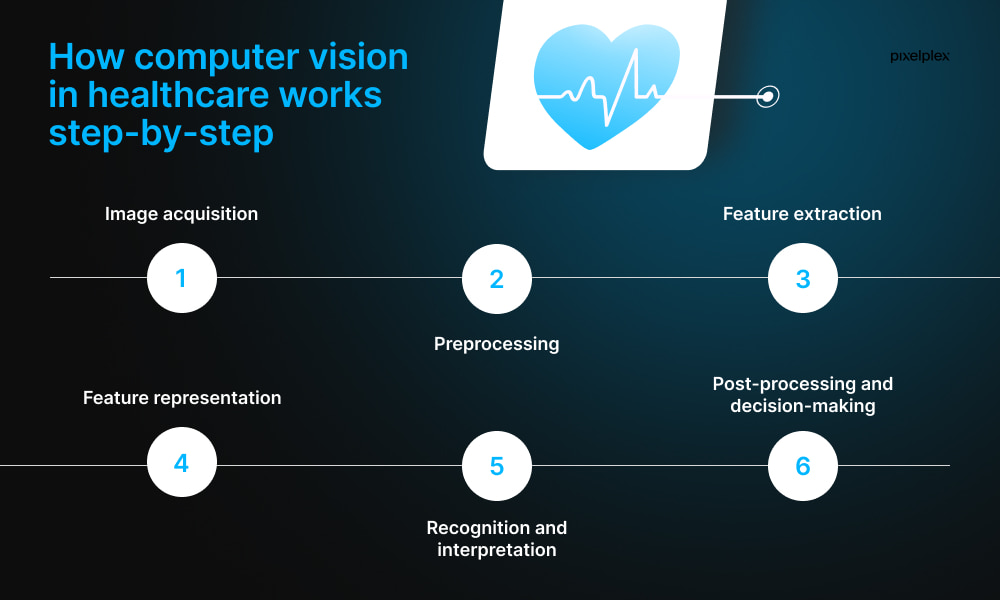
AI vision technology plays a pivotal role in diagnosing medical conditions with greater accuracy and speed. By utilizing AI voice and vision healthcare applications, developers can enable apps to analyze images or video feeds to assist healthcare professionals in making informed decisions.
Imagine an app that can scan a patient's skin lesions and provide a preliminary assessment, flagging potential health concerns for further examination. With GPT-4o multimodal healthcare solutions, such applications become viable tools for remote diagnostics and telemedicine services.
Key Steps to Developing Assistive Healthcare Apps with GPT-4o
Building successful assistive healthcare apps with GPT-4o involves thoughtful planning and execution. Here are key steps and considerations for your development journey:
1. Understanding User Needs
The first step in creating effective AI assistive technology in healthcare is to thoroughly understand the needs of your end users. Conducting surveys and interviews with healthcare professionals and patients can provide valuable insights into the functionalities that would benefit them most.
User-Centric Design: Focus on simple, intuitive interfaces that cater to users with varying levels of tech familiarity.
Accessibility Features: Ensure your app includes features like text-to-speech, magnification, and customizable settings for those with disabilities.
2. Leveraging GPT-4o's Features
Successful integration of GPT-4o applications for healthcare requires a good understanding of its APIs and available tools. Depending on your app's purpose, you might want to experiment with voice processing APIs for speech recognition or computer vision APIs for image analysis.
STEM Link offers specialized bootcamps in AI Engineering that can enhance your understanding and application of these technologies in real-world scenarios. Consider these programs to gain hands-on experience in implementing GPT-4o in healthcare app development.
3. Ensuring Data Security and Compliance
Healthcare apps handle sensitive information, requiring stringent data protection measures. Compliance with laws like GDPR and HIPAA is crucial for any AI-powered healthcare assistive tools. Implement robust encryption and secure data storage practices to safeguard user data.
4. Prototyping and User Testing
Once your app prototype is ready, conduct thorough testing with a diverse user group. This phase allows you to gather feedback and make necessary improvements, ensuring your app meets user expectations and performs optimally in different scenarios.
User feedback is an invaluable asset. Hear from your users to continually refine your app's performance.
Applications and Examples of GPT-4o in Healthcare
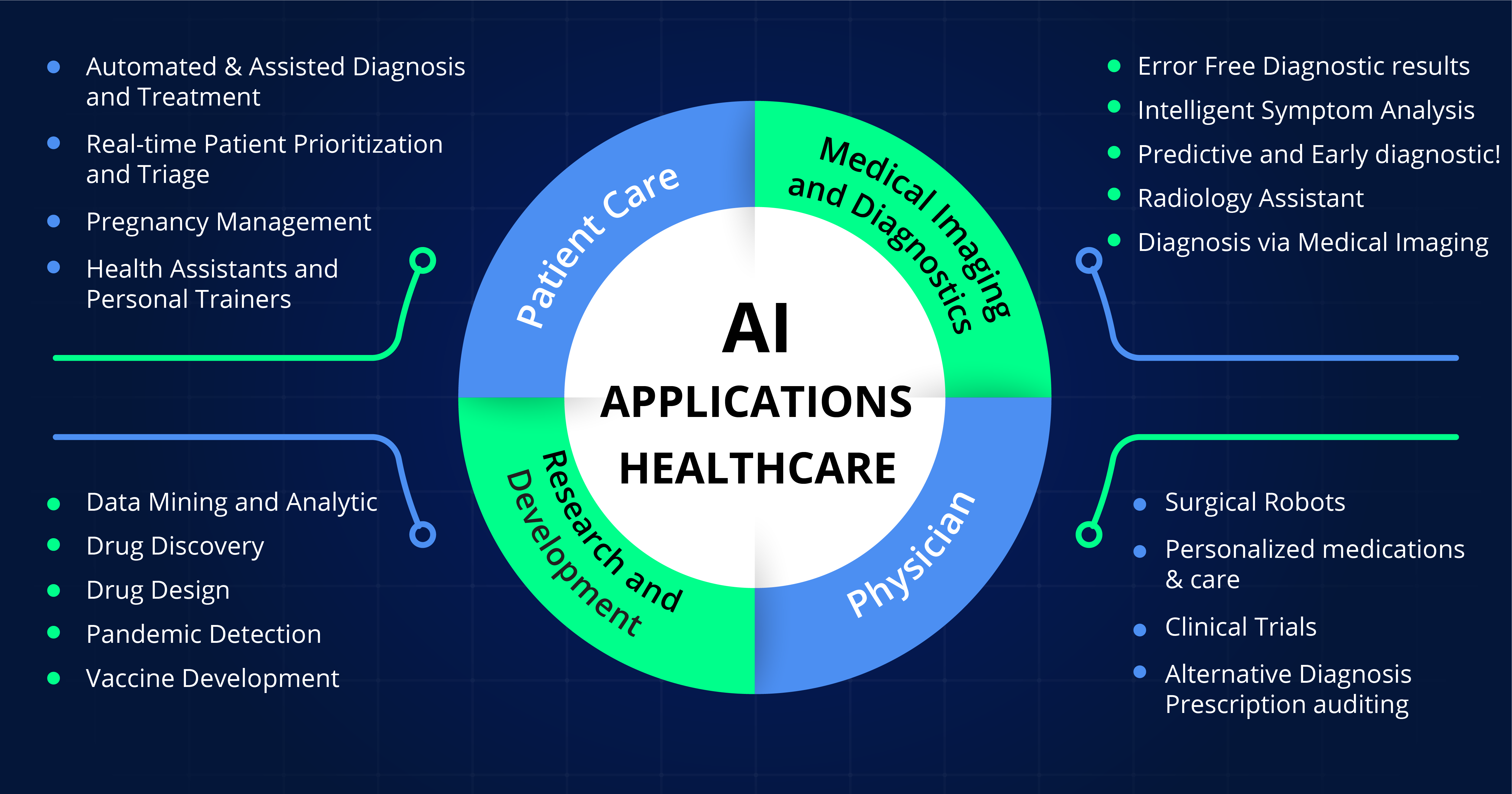
The practical applications of creating voice and vision healthcare apps with GPT-4o are vast. Here are some areas where these innovations can significantly impact:
Telehealth Consultations: Enable virtual visits where AI assists in preliminary assessments, providing doctors with detailed analysis through voice and vision data.
Remote Monitoring: Use GPT-4o to analyze patient data, like heart rate or glucose levels, alerting healthcare providers to any irregularities for prompt intervention.
Patient Assistance: Assist those with visual impairments or motor challenges through voice-activated commands and descriptive video services.
Conclusion
Developing AI-driven healthcare applications for accessibility using GPT-4o offers healthcare providers and patients innovative ways to address challenges within the healthcare system. By focusing on user-centered design and leveraging GPT-4o's voice and vision capabilities, your app can make healthcare more accessible and efficient for all.
As you embark on this journey, remember the essential steps: research and planning, understanding technology, ensuring compliance, and continual user feedback. With these in place, your GPT-4o assistive healthcare apps have the potential to redefine user experiences and outcomes in the healthcare domain.
You may also like

What Is TypeSafe AI?
Discover Jev, TypeSafe AI’s System One Model for fast, type-safe, calibrated AI decisions built for software automation.

What Is Paperclip and How Does It Help You Manage AI Agent Teams?
Learn what Paperclip is, how it manages AI agent teams, controls costs, enables human approvals, and coordinates agents across different AI runtimes.

How Do You Actually Teach Engineering Judgment?
Learn how STEMLink teaches engineering judgment through a four-step approach: learn, build, test limitations, and understand why real-world systems need more.