
Screenshot to UI
In 2026, Visily cements its status as a top AI UI design tool for non-designers and product teams. Key updates include Deep Design Mode and Design Instructions for consistent visual themes, alongside an AI Code Gen engine that instantly translates mockups into responsive React, and HTML code.
Screenshot to UI
The year 2026 has accelerated the adoption of AI-powered design platforms, helping teams create high-quality interfaces faster than ever. Among the leading solutions, Visily continues to stand out as one of the most accessible and powerful AI design tools for startups, product teams, developers, and non-designers alike. This post explores Visily's latest capabilities and why it remains one of the top AI UI design tools in 2026.
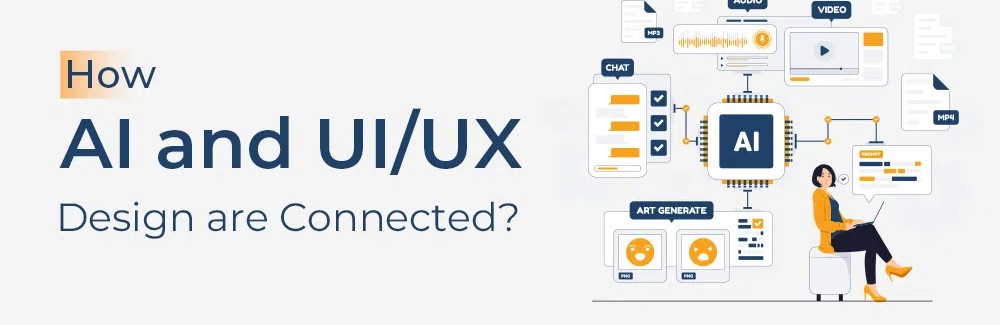
Overview of AI-Powered UI Design Tools in 2026
AI-driven design platforms have transformed the way digital products are created. From wireframing and prototyping to collaboration and handoff, modern tools simplify complex workflows and enable teams to move from idea to interface in minutes.
Why Choose AI Tools for UI Design?
Faster Design Processes: Create interfaces in a fraction of the traditional time.
Increased Productivity: Automate repetitive design tasks.
Better Collaboration: Enable designers, developers, and stakeholders to work together seamlessly.
Accessibility: Empower non-designers to create professional UI concepts.
Visily AI: Design Tool Capabilities
Visily combines intuitive design experiences with advanced AI capabilities, making UI creation accessible to everyone regardless of design expertise.
Visily AI Design Tool Capabilities
Here are some of the standout features that position Visily among the best AI tools for UI design in 2026:
AI Design Generation: Create UI screens from text prompts and simple descriptions.
Screenshot-to-Design Conversion: Transform app screenshots into editable design mockups.
Sketch-to-Wireframe: Convert hand-drawn sketches into digital wireframes instantly.
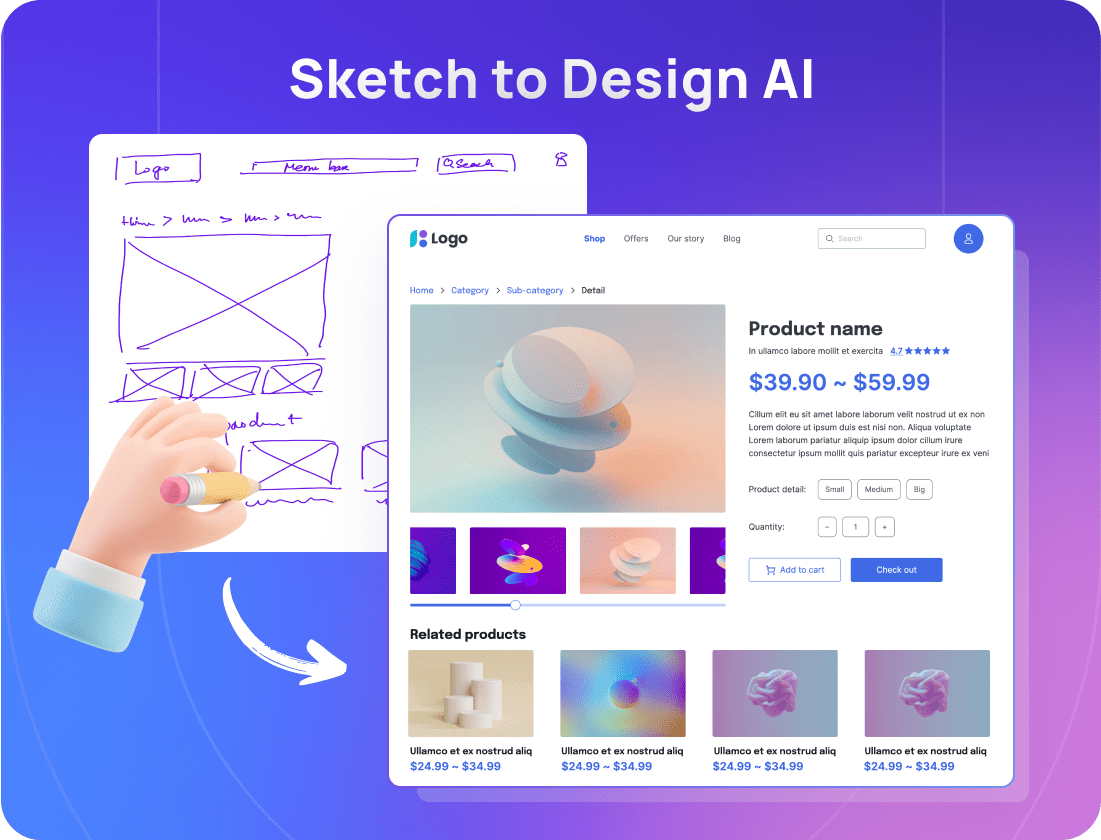
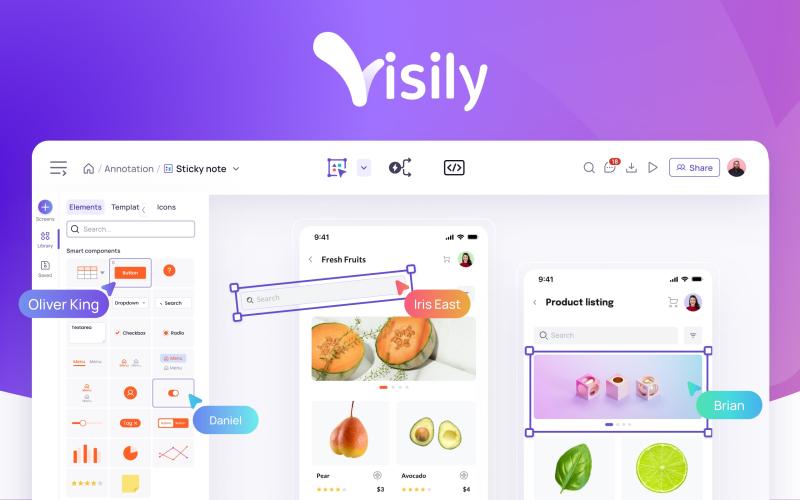
Smart Components: Access a rich library of customizable UI components and templates.
AI-Powered Prototyping: Quickly generate interactive prototypes for testing and presentations.
Real-Time Collaboration: Enable teams to collaborate efficiently across projects.
Developer-Friendly Handoff: Simplify communication between design and development teams.
Feedback from Users
"Visily makes UI design accessible to everyone, regardless of their design background."
Users consistently praise Visily for its ease of use, rapid prototyping capabilities, and ability to turn ideas into polished interfaces with minimal effort.
Why Visily Stands Out in 2026
When evaluating modern AI design platforms, Visily offers several advantages:
Feature | Visily |
|---|---|
User Interface | Beginner-friendly and intuitive |
AI Design Generation | Advanced text-to-UI capabilities |
Wireframing | AI-powered sketch-to-wireframe conversion |
Templates | Extensive customizable template library |
Collaboration | Real-time team collaboration |
Prototyping | Fast interactive prototyping |
Developer Handoff | Streamlined and efficient |
Ideal Use Cases
Rapid Product Validation: Quickly turn ideas into testable prototypes.
Startup MVP Development: Design interfaces without requiring dedicated designers.
Team Collaboration: Improve communication between designers, developers, and stakeholders.
UI Modernization: Redesign existing applications using AI-assisted workflows.
Latest AI Features in Visily for 2026
Visily continues to expand its AI capabilities with innovative features:
Enhanced Text-to-Design Generation: Produce more accurate UI layouts from prompts.
Improved Screenshot Recognition: Convert existing interfaces into editable designs with greater precision.
Smart Design Recommendations: Receive AI-generated suggestions for layouts, components, and user flows.
Automated Design Refinement: Improve visual consistency across screens automatically.
Faster Prototype Generation: Create interactive experiences in fewer steps.
You may also like

What Is TypeSafe AI?
Discover Jev, TypeSafe AI’s System One Model for fast, type-safe, calibrated AI decisions built for software automation.

What Is Paperclip and How Does It Help You Manage AI Agent Teams?
Learn what Paperclip is, how it manages AI agent teams, controls costs, enables human approvals, and coordinates agents across different AI runtimes.

How Do You Actually Teach Engineering Judgment?
Learn how STEMLink teaches engineering judgment through a four-step approach: learn, build, test limitations, and understand why real-world systems need more.