
Figma Motion
Figma Motion , launched at Config 2026, revolutionizes UX design by bringing timeline-based animation directly into Figma. Eliminating external tools like After Effects, this canvas-native feature bridges the developer handoff gap with production-ready exports, variable-driven motion systems, and AI assistance. Animation is now a first-class citizen in design systems.
Figma Motion
Introduction
For years, designers faced a frustrating workflow. Creating animations in Figma meant exporting designs, jumping to external tools like After Effects, spending hours perfecting timing, then handing off videos that developers would reinterpret from scratch. Details were lost. Animations didn't match. Handoffs took multiple revisions.
Figma Motion, introduced at Config 2026, eliminates this problem entirely. It brings timeline-based animation directly to your Figma canvas. No context switching. No lost details. No interpretation gaps. Everything happens where your designs, components, and variables already live.
What Is Figma Motion
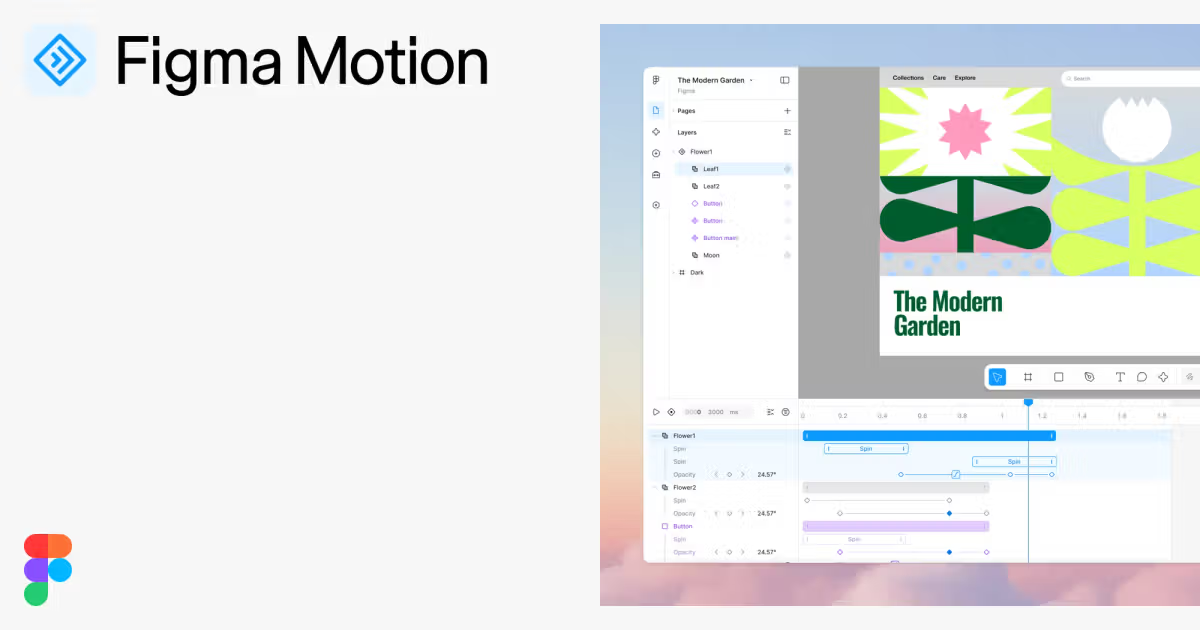
Figma Motion is a canvas-native animation environment. It lets you create, refine, and export production-ready animations without leaving Figma. Core capabilities include:
Timeline and keyframe controls on the canvas Animation presets for quick setup AI-assisted animation via Figma Agent Motion systems powered by variables Dev Mode integration for developer handoffs Multiple export formats including CSS, JSON, React, MP4, GIF, and SVG
Timeline Control
Figma Motion's timeline sits directly on your canvas. You drag layers to adjust timing, scrub to preview any moment, keyframe position, scale, rotation, and opacity independently, enable auto-keyframing to record changes, and use time-based comments for team feedback.
Maxwell Hathaway, Lead Motion Designer at Atlassian, explains the impact: "Atomic design is now atomic motion design because I have keyframes on the canvas. It's the last big piece in the interactive world."
Animation Presets
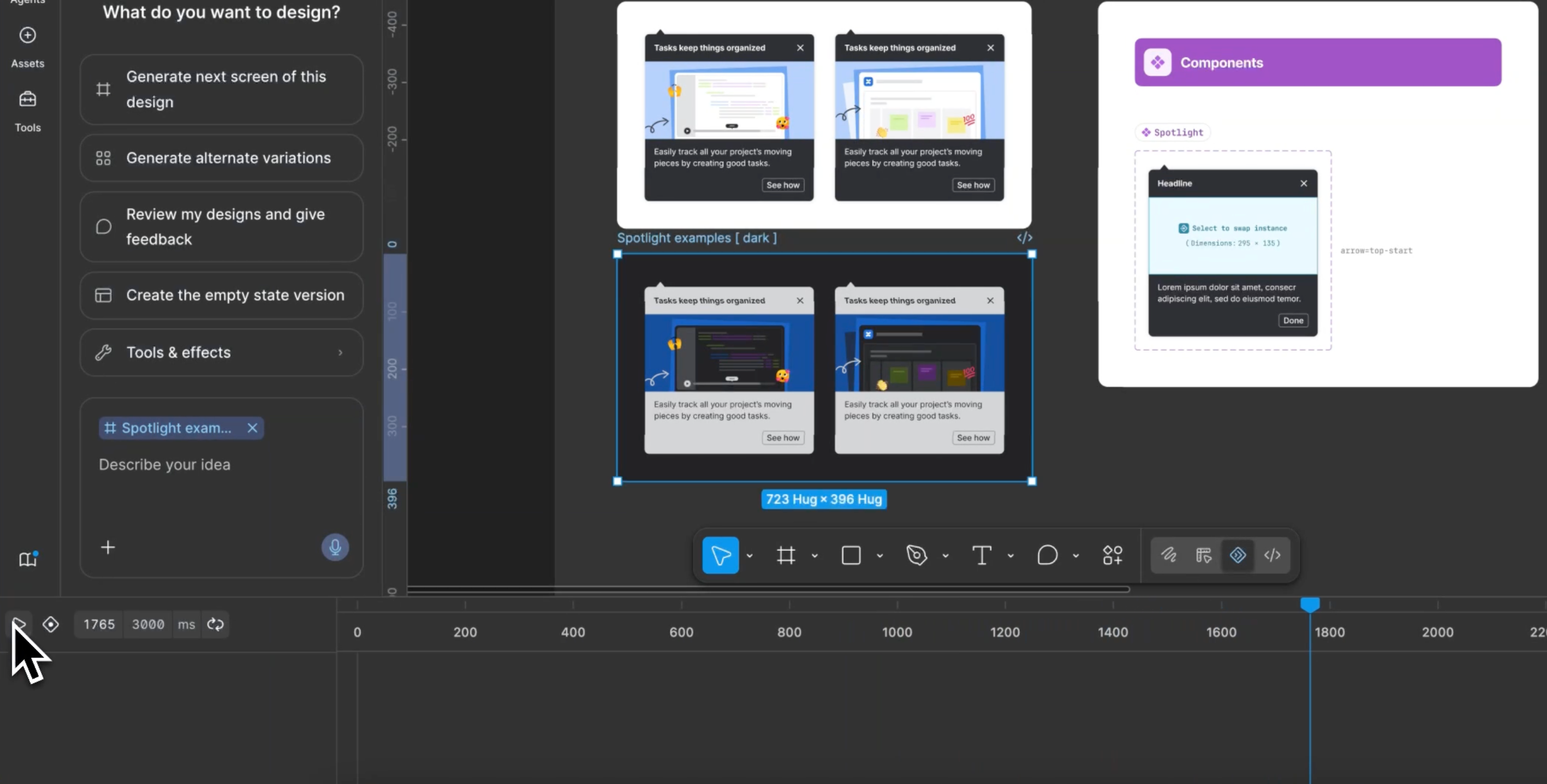
Use preset animation styles for fade, move, and scale animations. Apply a preset, then refine directly on the canvas. Stack multiple presets to play simultaneously or drag to sequence them. This makes motion design accessible to everyone, not just specialists.
AI-Assisted Animation
Type a natural language prompt, and the Figma Agent generates real keyframes on your timeline, grounded in your components and tokens. Edit the result directly to adjust easing, timing, or add properties. This removes the learning curve and helps teams adopt motion design faster.
Alexandra Pereira, Senior Product Designer at Atlassian, notes: "Being able to generate within guardrails really matters for enterprise systems. It allows for consistency, accessibility, and implementation quality as much as speed."
Motion Systems
Build animation systems using motion variables. Create easing variables, define multiple modes, and apply them across animations. Switch modes at the page level, and every animation referencing that variable updates instantly. Your animation system scales like your design system.
Animated Components
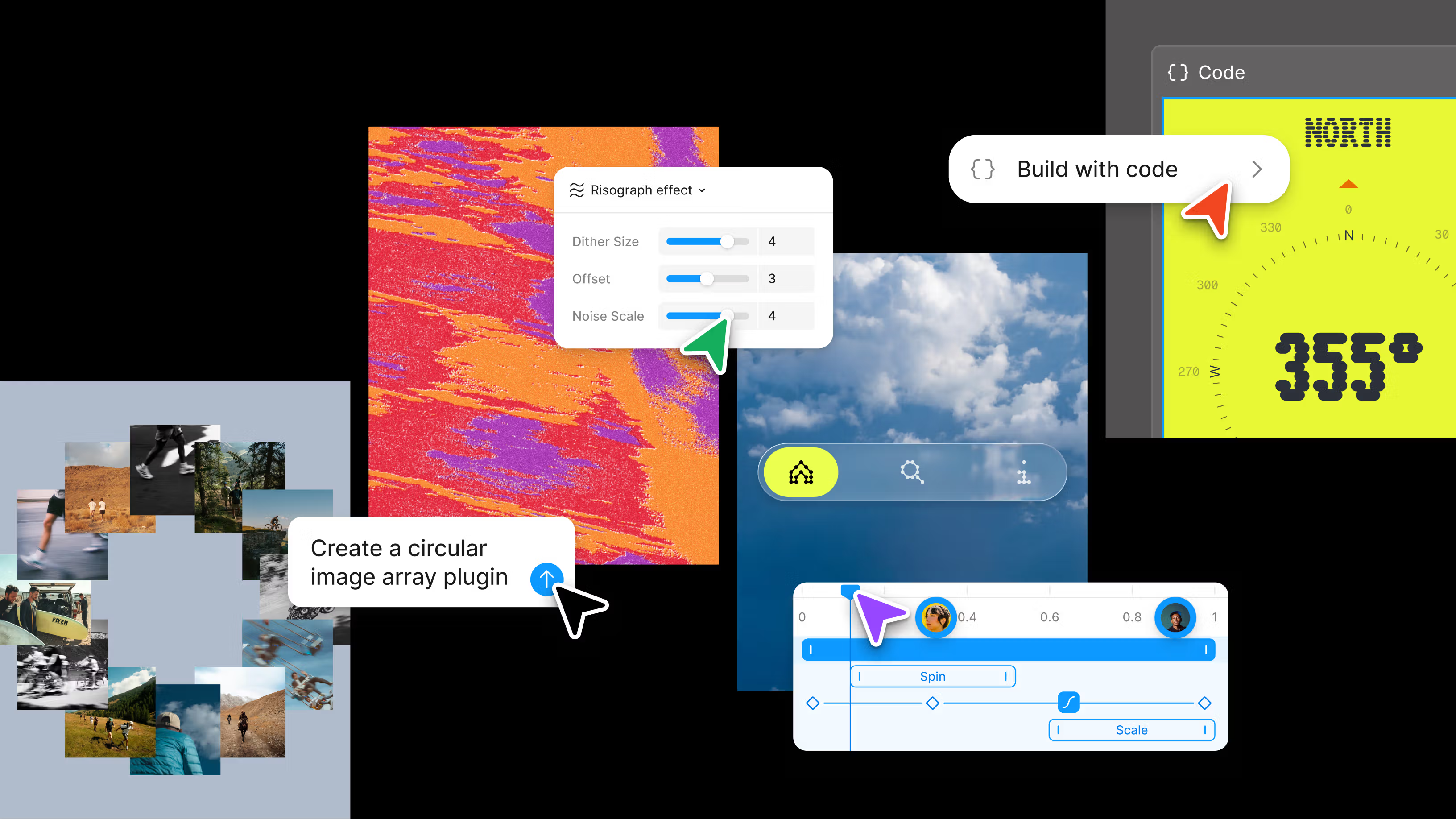
Components now carry motion with them. Build an animation for a component once, and it travels with that component across every screen and every collaborator's file. This is animation design systems at scale.
Adanna Onuekwski, product designer and illustrator, explains: "Having everything in one space is really helpful. I can systematize the motion process and publish it as a library, so it extends the work from something one person does to something other people can benefit from."
Production-Ready Exports
Select any animated frame and export as MP4, GIF, WEBM, Animated SVG, CSS, JSON, or React/Motion.dev code. Get early feedback before handing off to developers.
When development starts, switch to Dev Mode and open the Motion tab. The full timeline is visible and inspectable. Every timing value, easing curve, and keyframe is readable without interpretation. Copy animation code directly in CSS, JSON, or React. Nothing gets rewritten.
Figma Motion is also MCP-compatible, so you can share a link to any animated frame with a coding agent. Full motion context travels with the link, preventing reinterpretation.
Alexandra Pereira states: "If a teammate can easily inspect and translate motion with the formats that we need, it reduces the gap between intent and shipping."
Getting Started
Figma Motion is in open beta. Starter users get limited access with limited exports. Full seat users on all plans access motion primitives and exports. Full design system integration and the Figma Agent are available on paid plans.
To get started, open any frame in your Figma file, switch to Motion mode, and the timeline appears at the bottom of your canvas. Add an animation using presets or custom keyframes, preview by scrubbing the playhead, and export in your preferred format.
Explore the playground file in the Figma community, review motion design principles in the help center, try animation presets first, use the Figma Agent to see how it generates keyframes, build custom animations on the canvas, and export and iterate with your team.
Why This Matters
Figma Motion integrates motion directly into your design system. Motion becomes a first-class citizen alongside components, variables, and typography.
This matters because it democratizes motion design, eliminating the need for specialists. It eliminates handoff friction by showing developers exactly what you designed. It enables system-wide consistency through animation variables. It accelerates shipping by removing reinterpretation and revision cycles.
You may also like

What Is TypeSafe AI?
Discover Jev, TypeSafe AI’s System One Model for fast, type-safe, calibrated AI decisions built for software automation.

What Is Paperclip and How Does It Help You Manage AI Agent Teams?
Learn what Paperclip is, how it manages AI agent teams, controls costs, enables human approvals, and coordinates agents across different AI runtimes.

How Do You Actually Teach Engineering Judgment?
Learn how STEMLink teaches engineering judgment through a four-step approach: learn, build, test limitations, and understand why real-world systems need more.